Track as you spend, not just month end
Every day we automatically sync your transactions and balances. With Xero, we sync receipts and expense categories, too. Less effort, less errors.
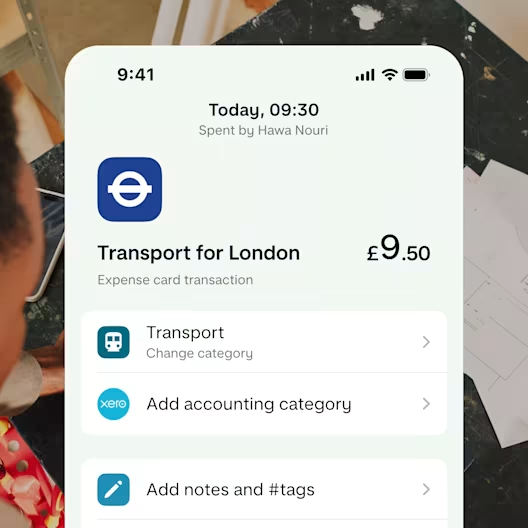
Connect with Xero, FreeAgent, Sage or Quickbooks
Transactions, receipts and balances synced
Available with Pro and Team, starting from £9 a month. Ts&Cs apply

Only sole traders and limited company directors in the UK can apply. Ts&Cs apply.
The App Store, Google Play Store, and Trustpilot ratings are correct as of August 2026.
Spend management and accounting, automated in one place.
Every day we automatically sync your transactions and balances. With Xero, we sync receipts and expense categories, too. Less effort, less errors.
With everything synced up, it’s clearer to see late payments or seasonal income dips – and take action before they spiral.

Get numbers flowing between systems, saving you the back and forth with accountants or finance teams.

Step 1
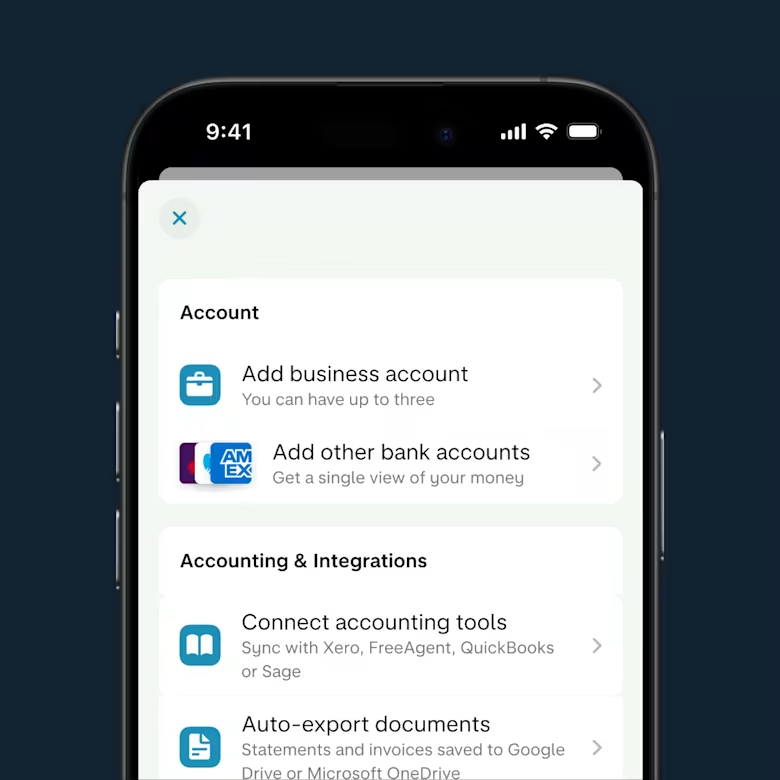
Start in your Monzo app
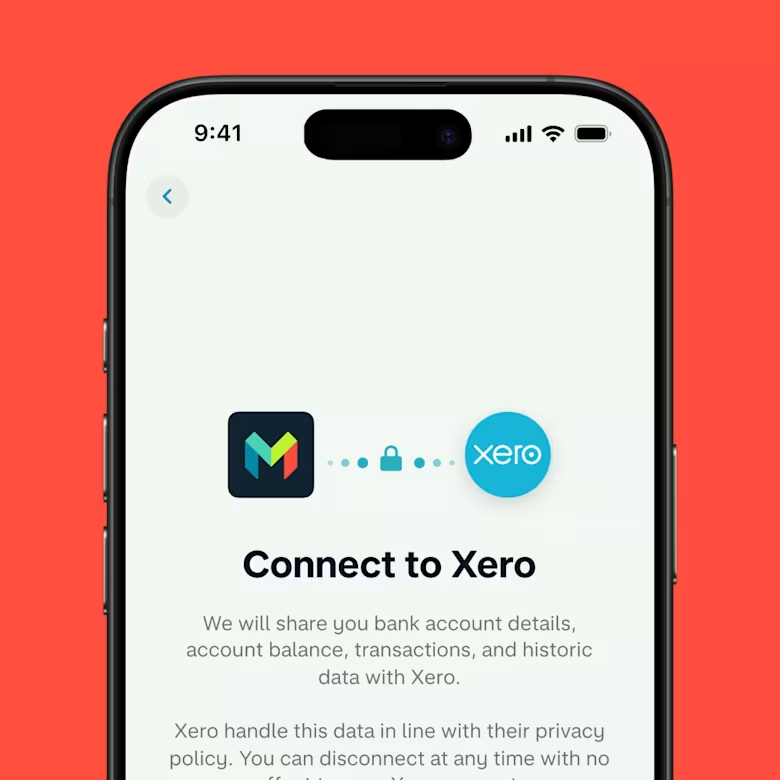
On your home screen for your business account, tap the + in the top right corner, then tap Connect accounting tool.
Step 2
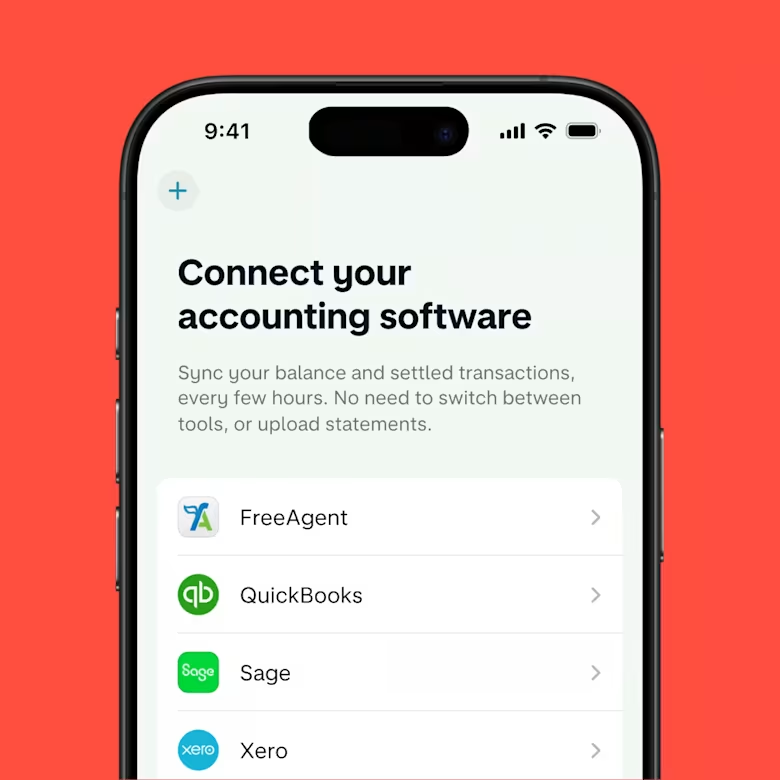
Connect your accounting software
Xero, FreeAgent, Sage or QuickBooks. Your accounting software provider might ask you to verify your identity and give permission to share data.
Step 3
Sit back and relax
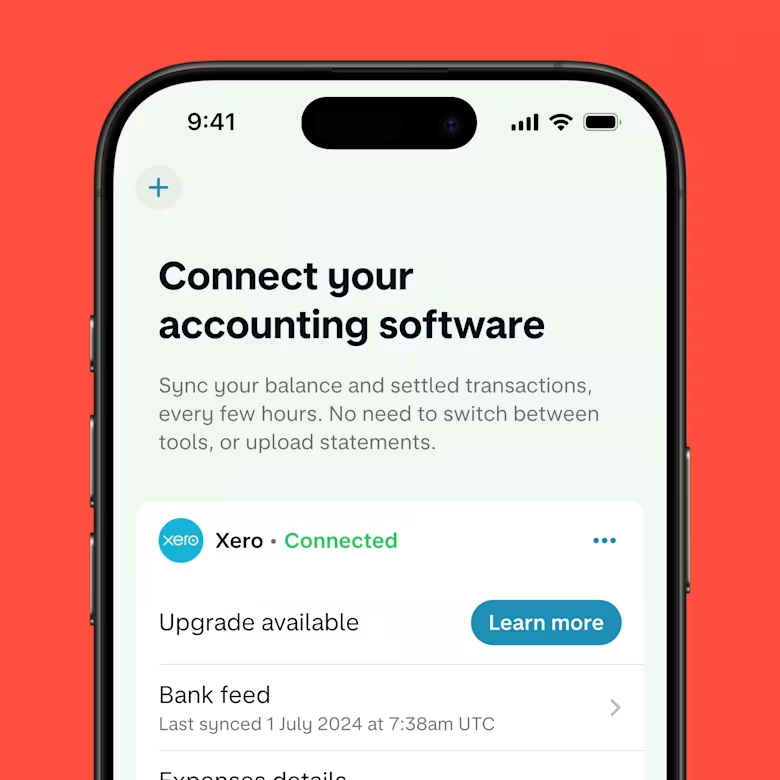
The sync happens automatically, every few hours, every single day.
Together, Monzo and Xero match up the numbers, so you aren’t playing catch up.
Go Pro and get 6 months’ free Xero. Pick Team and get 8 months’ free Xero. Available until 31 May 2027 for new Xero customers only. Ts&Cs apply.
Follow these steps to claim the offer.
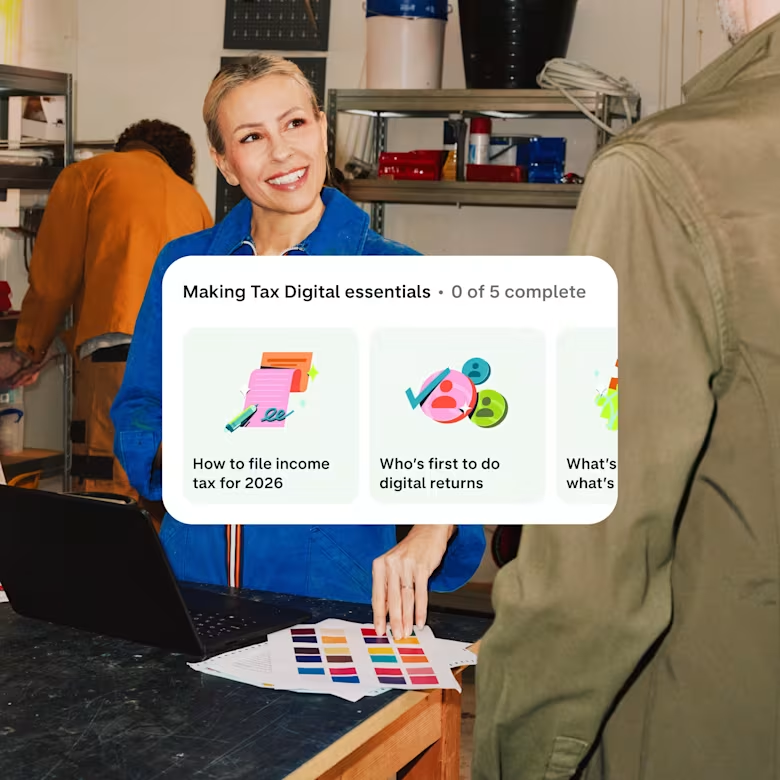
Free, HMRC-recognised software comes as standard with Monzo Business. All built in, so you’re compliant without juggling multiple tools and logins.
You’ll have your own tax timeline and an estimated tax bill, so you know exactly what’s coming.
Powered by Sage.
90% of accounts are open for business the same day. Apply online or contact sales today.
If you use Xero, FreeAgent, Sage or QuickBooks for your accounting software, you can link it to your Monzo Business Account. This feeds through any transactions and balances. With Xero, it automatically syncs any assigned expense categories or attached receipts, too. Integrated accounting is available with Pro and Team, which start from £9 a month. Ts&Cs apply.
If you link Xero, FreeAgent, Sage or QuickBooks accounting software to Monzo Business, we’ll sync your transactions and balances. With Xero, we’ll automatically sync receipts and expense categories, too, so you get a full picture of what’s going in and out and an easier time when it comes to filing tax.
We’ll automatically sync your transaction data every few hours, every day.
Free, HMRC-recognised Making Tax Digital software is built into all of our plans, including our free business bank account. Our tool is built on Sage's innovative technology that's trusted by small businesses across the UK.
Integrated accounting and auto-exports are both designed to help you stay on top of your bookkeeping. Here’s the difference. Auto-exports is used to automatically push your live transactions, bank statements and paid invoices straight to Google Drive, Google Sheets or Microsoft OneDrive, ready to share with an accountant. It’s ideal for businesses that might not want a live connection with their accounts, or if an accountant also wants to see the raw documents.
On the other hand, integrated accounting automatically syncs your daily transactions, balances, and receipts directly with dedicated accounting platforms (like Xero, FreeAgent, QuickBooks, or Sage). Both features are available with Pro and Team, which start from £9 a month. Ts&Cs apply.
Integrated accounting is available with Pro and Team, which start from £9 a month. It’s not available with our free business bank account right now. Explore all of our plans and pricing.
Whoever your provider of choice is – Xero, FreeAgent, Sage or QuickBooks – you’ll need to subscribe and pay through their website or app. That side’s separate to Monzo Business. If you go with Xero, you’ll want to check out our exclusive offer for new Xero customers.
Yes, Monzo Business customers can connect to accounting tools and other providers using Open Banking. With Open Banking, the connection is created on the accounting software’s end, not ours. They grab the information from Monzo, rather than us sending it to them. This is a different type of connection to integrated accounting, which syncs more information, more often.